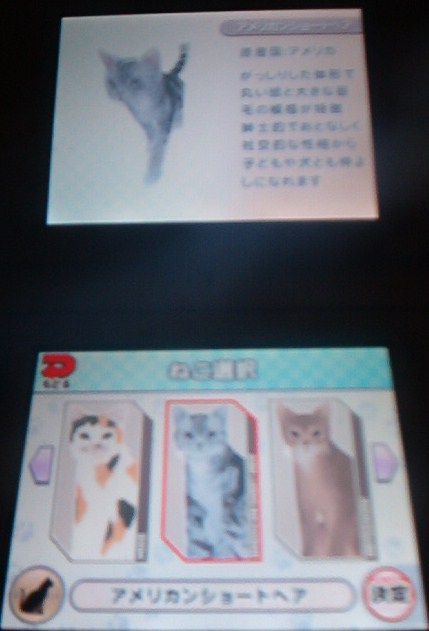


The game first asks for personal information. Touch the upper right button 3 times for English characters. Then tap the corresponding button in the center to spell out your name. Tapping a button more than 3 times will provide lowercase letters. If you make a mistake, tap the yellow bottom left button to backspace. After you choose a letter, tap the upper right button to move to the next one. Once you've finished, click the bottom right red button to confirm.
The game then asks your gender. Choose male or female (blue or pink), and then choose an avatar to represent you.
You are then allowed to pick out your cat. You get to choose from six different types initially: Russian Blue, Scottish Fold, Calico, American Short Hair, Abyssinian and Siamese. After tapping a breed, a selection of three or more cats are offered, and you can pick which one you prefer. (Note: Just like in real life – the calicos are all female). You then get to name your cat. Sadly, there is no English name option. So just chose something in katakana or hirigana.
Then you pick your home layout from 5 different options. I almost went with the apartment, or the traditional Japanese home, but ultimately decided on the first 'cabin' home offered because it looked so spacious.
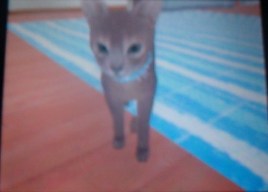 The game then asks you to approve all of your decisions. I clicked yes (the option on the left), and set off on my new life with Reno the Abyssinian.
(Note: To save your game, click the bottom left icon during play, then click the pen and paper icon. Click the option on the left to save the game and exit to the title screen.)
Images courtesy of Sega. Photo credit Jenni/Siliconera.