Download A Bunch Of Dissidia: Final Fantasy Custom Themes

By Spencer . December 11, 2008 . 9:13am

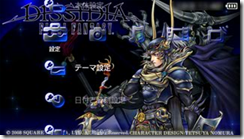
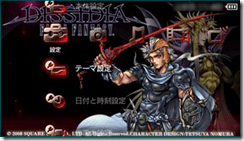
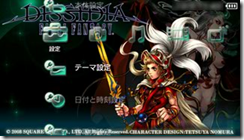
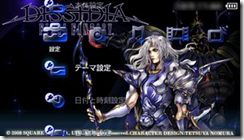
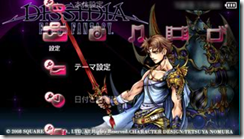
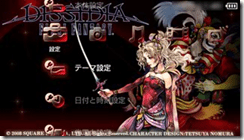
Square Enix has been trickling free PSP themes to promote Dissidia: Final Fantasy leading up to the game’s launch. We’re up to Final Fantasy VI this week and you can have Terra with blonde hair on your PSP by following these instructions.


1.) Click on the picture of the theme you want.

2.) Save the theme file on your computer or flash drive.

3.) Connect your PSP to your PC with a USB cable.

4.) Open the “PSP” folder, then “Themes” folder, and drag the theme files there.

5.) Fire up your PSP and switch the theme.


image image

Final Fantasy I                                    Final Fantasy II

image image

Final Fantasy III                                 Final Fantasy IV

image image

Final Fantasy V                                   Final Fantasy VI


Images courtesy of Square Enix.



  • Ryu Kazama
    I didn't think I'd say this (yet) about Nomura's stuff but...oh my God they all look near enough the same person with different clothes on.He's slipping. He really is. Still love his stuff though.
  • Advent
    Love the new themes! Dissidia is going to be the greatest Final Fantasy game of all time.

    Tetsuya Nomura is the best thing to happen to the FF series!
  • Mikael
    Awesome themes! better than the last one they released for Dissidia
  • alice
    As much as I love the 8 and 16 bit games, bring on the character designs from the Playstation era. Please.
blog comments powered by Disqus
Siliconera Tests
Siliconera Videos
I'm Feeling Lucky


Playtests

Post 60056 Post 59916 Post 59154