


 By
By 
Square Enix has been trickling free PSP themes to promote Dissidia: Final Fantasy leading up to the game’s launch. We’re up to Final Fantasy VI this week and you can have Terra with blonde hair on your PSP by following these instructions.
Recommended Videos
- Click on the picture of the theme you want.
- Save the theme file on your computer or flash drive.
- Connect your PSP to your PC with a USB cable.
- Open the “PSP” folder, then “Themes” folder, and drag the theme files there.
- Fire up your PSP and switch the theme.
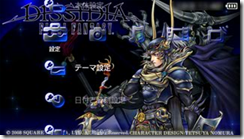
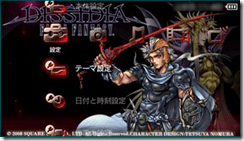
Final Fantasy I Final Fantasy II
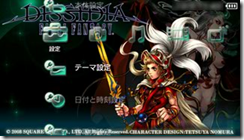
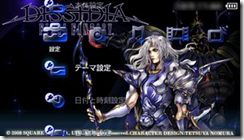
Final Fantasy III Final Fantasy IV
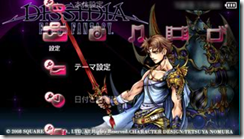
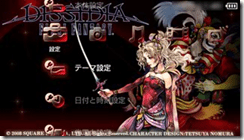
Final Fantasy V Final Fantasy VI
Images courtesy of Square Enix.