


 By
By 
Equipping and unequipping your spacesuit in Starfield can get tiring pretty fast! However, there is an option that automatically hides your spacesuit when exploring planets or cities that don’t require you to have it on. Here is how to hide it in Starfield.
How do I hide my spacesuit in Starfield?
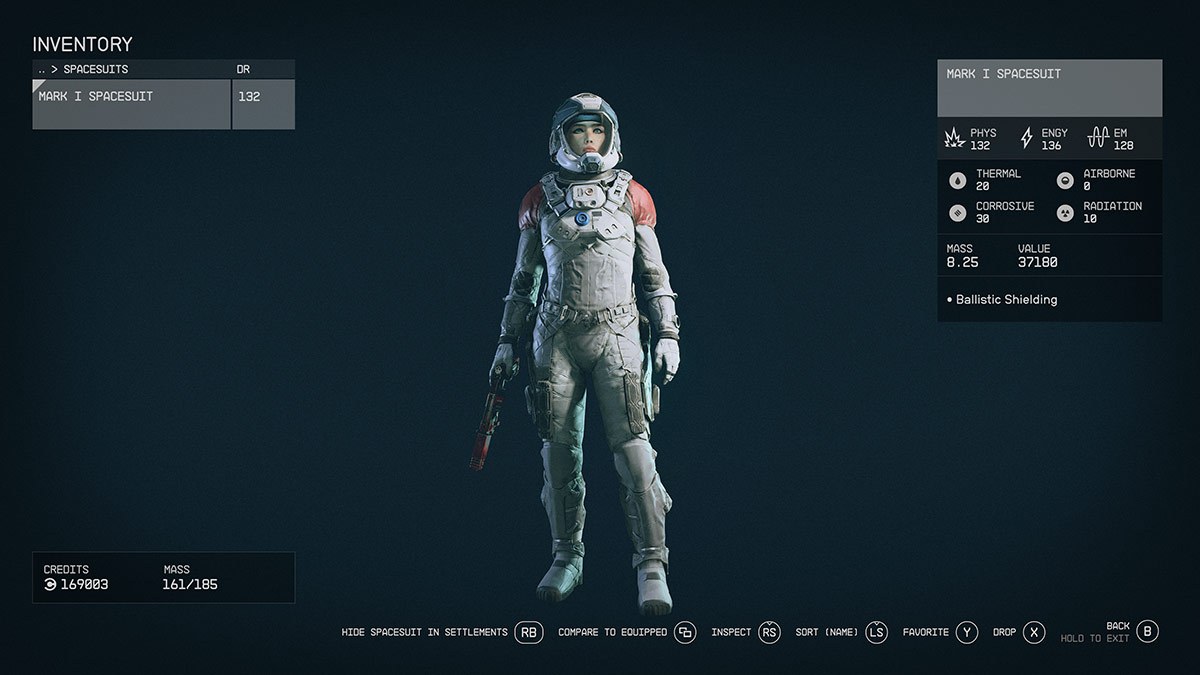
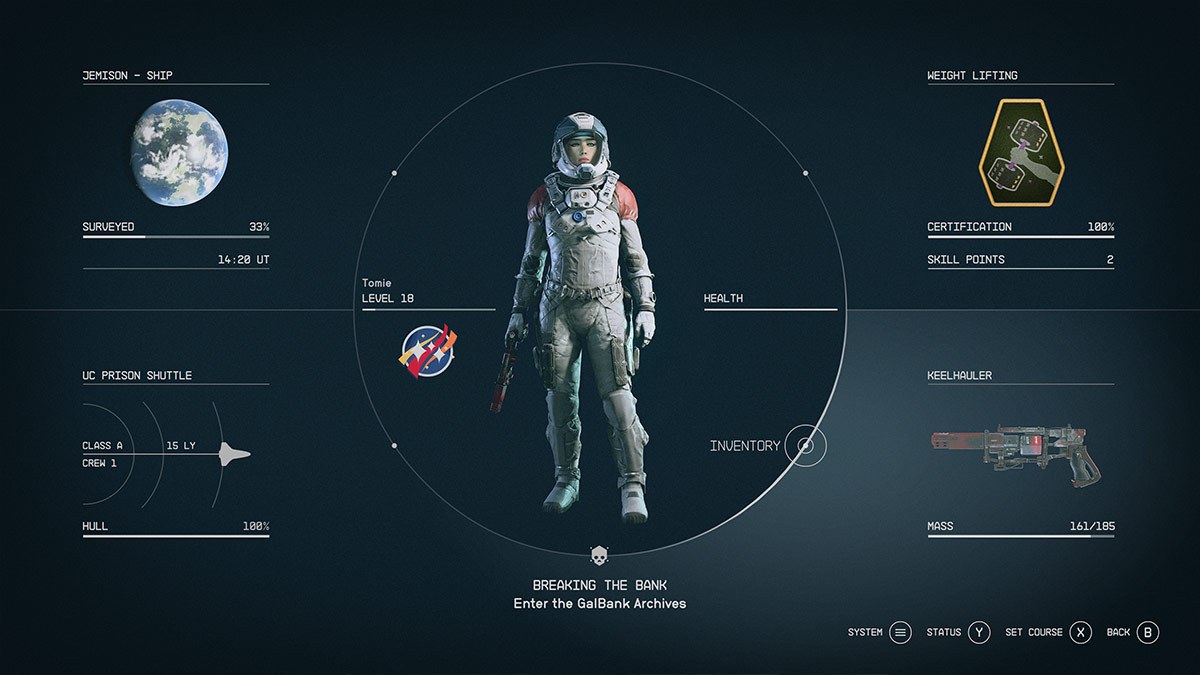
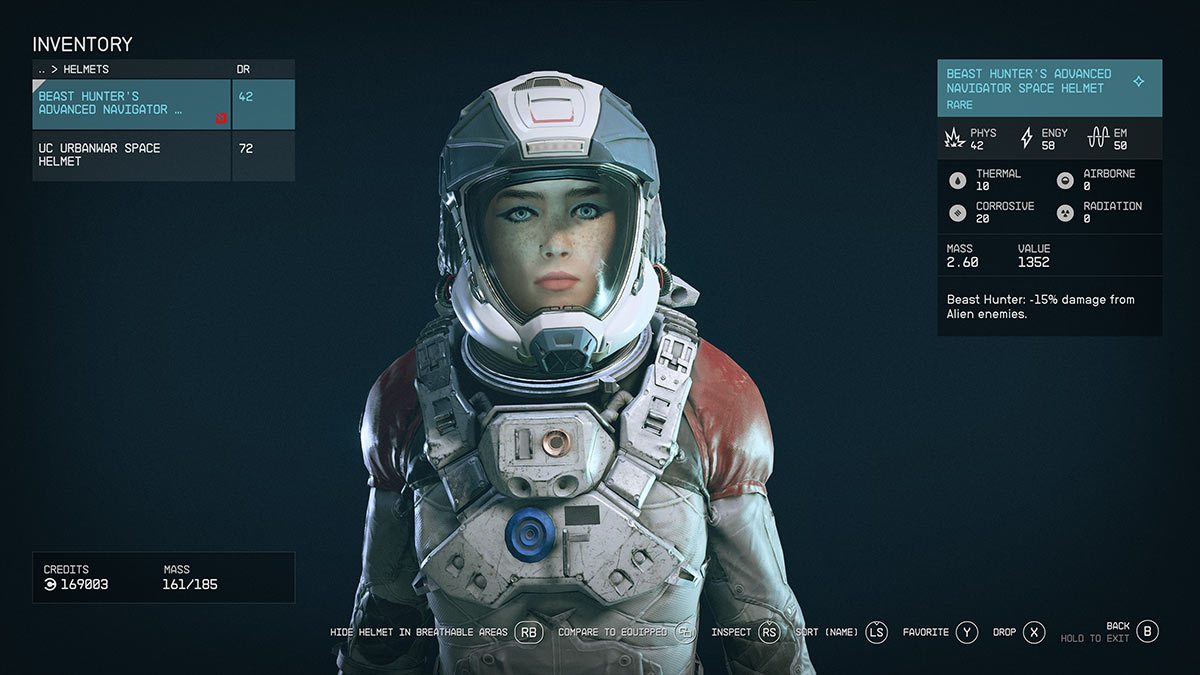
About 20 hours into my journey, I found it extremely tedious to unequip my armor every time I visited a new city. Even worse, my character would automatically start taking lung damage if I forgot to re-equip my spacesuit after using the Starfield star map to fast travel to a new location. Thankfully, Bethesda included the ability to hide spacesuits with a special menu option. To hide your spacesuit in Starfield, go to your inventory menu and select the “Spacesuits” tab. Now press the “RB” button on Xbox to toggle on “hide Spacesuits in settlements.” Although your spacesuit will now be equipped at all times, the game will now visually hide it automatically when you are in locations that don’t need it. Perfect, right? You will also need to do this in the helmet tab.
-
- Screenshot via Siliconera
-
- Screenshot via Siliconera
-
- Screenshot via Siliconera
