


 By
By 
There are a lot of decoration applications that sort of fall into the cozy game category, even though they are light on the actual mechanical elements. Little Corners is one of those. There are some interactive elements and opportunities to combine stickers for certain reactions. However, it’s largely an opportunity to relax and set up scenes without too many extra features like a zoom or snap-to element. Playing with Little Corners is essentially like playing with the reusable Colorforms sticker sets.
Now, when I say that Little Corners feels like Colorforms, it’s almost the exact same experience. There are eight scenes you can visit, which are the Adventurer’s Tavern, Alchemist’s Tower, Astronomer’s Study, Cottage Kitchen, Overgrown Ruins, Pirate’s Cabin, Samurai’s Residence, and Viking’s Hall. When you get to a place, it is a blank slate with a isometric view of two walls in the room and the floor space. You get a handful of “sheets” that appear on the left side of the screen that highlight some stickers you can use. (These can be flipped.) You then drag and drop the into place in order to set the scene to your liking.
Now, there are some interactive elements here, but there aren’t too many. As I mentioned, some quality of life elements aren’t there. Certain elements like doors or things that would go over ovens or pots won’t snap into place. You custom arrange everything. There’s also no way to zoom in on elements or to resize the stickers you’re placing. Everything shows up and goes in as-is. You can engage in some layering, based on when you place things. But go in knowing the actual arranging can be a bit rudimentary and doesn’t involve the kind of sticker experimentation like in a game such as Sticky Business. It’s pleasant, but you’re working in set confines with defined sizes and color palettes.
I do appreciate that there are some set elements and surprises, however. You can get different display options for things like fireplaces or shelving units. Areas can be covered by doors or opened. But the most pleasant occasions involve combining two stickers and being treated to an entirely new one. For example, layering up the broom and witch hat stickers in the Cottage Kitchen, perhaps by hanging the hat on the end of the broomstick, nets you a black cat sticker. It’s a pleasant opportunity.
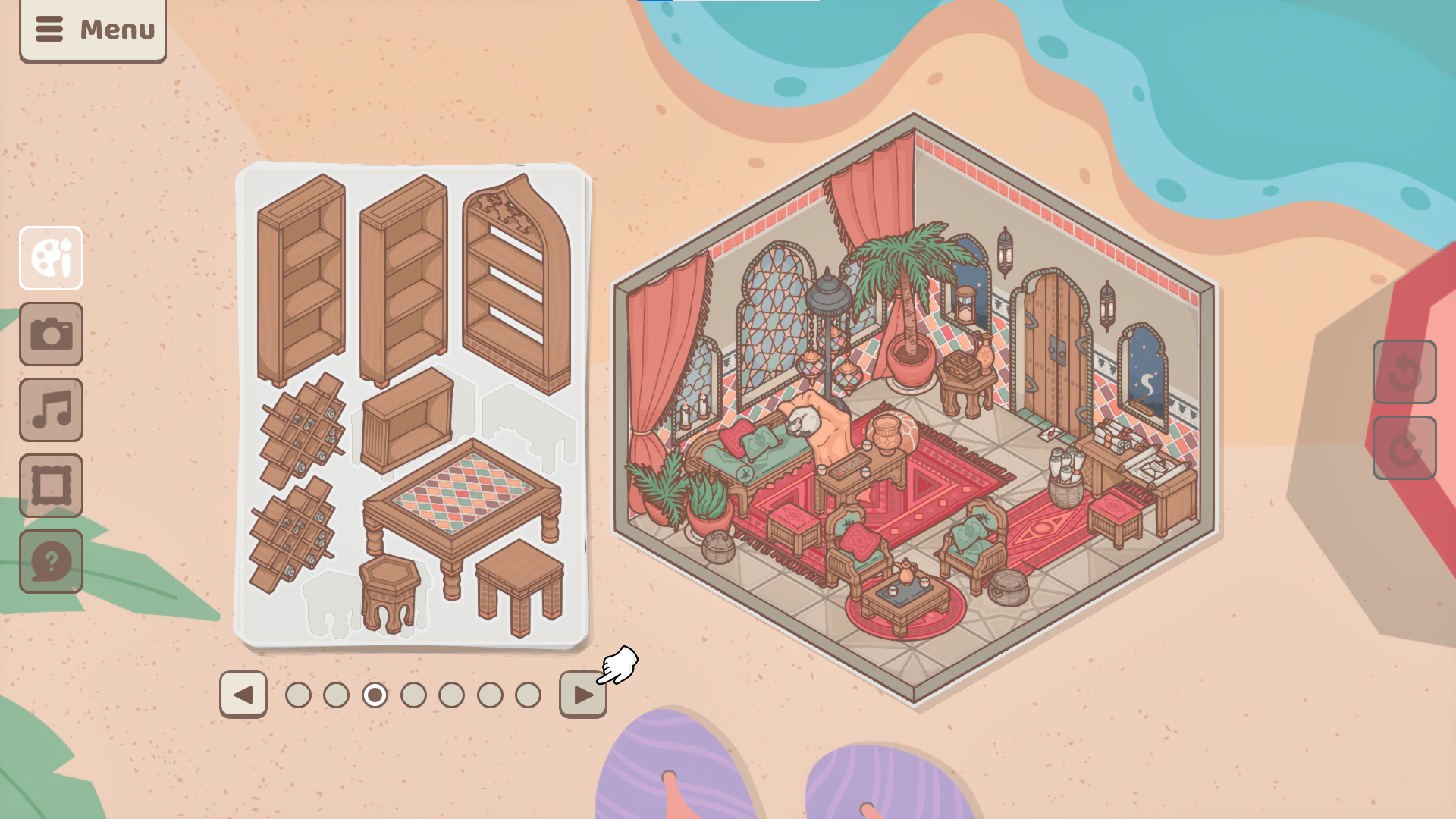
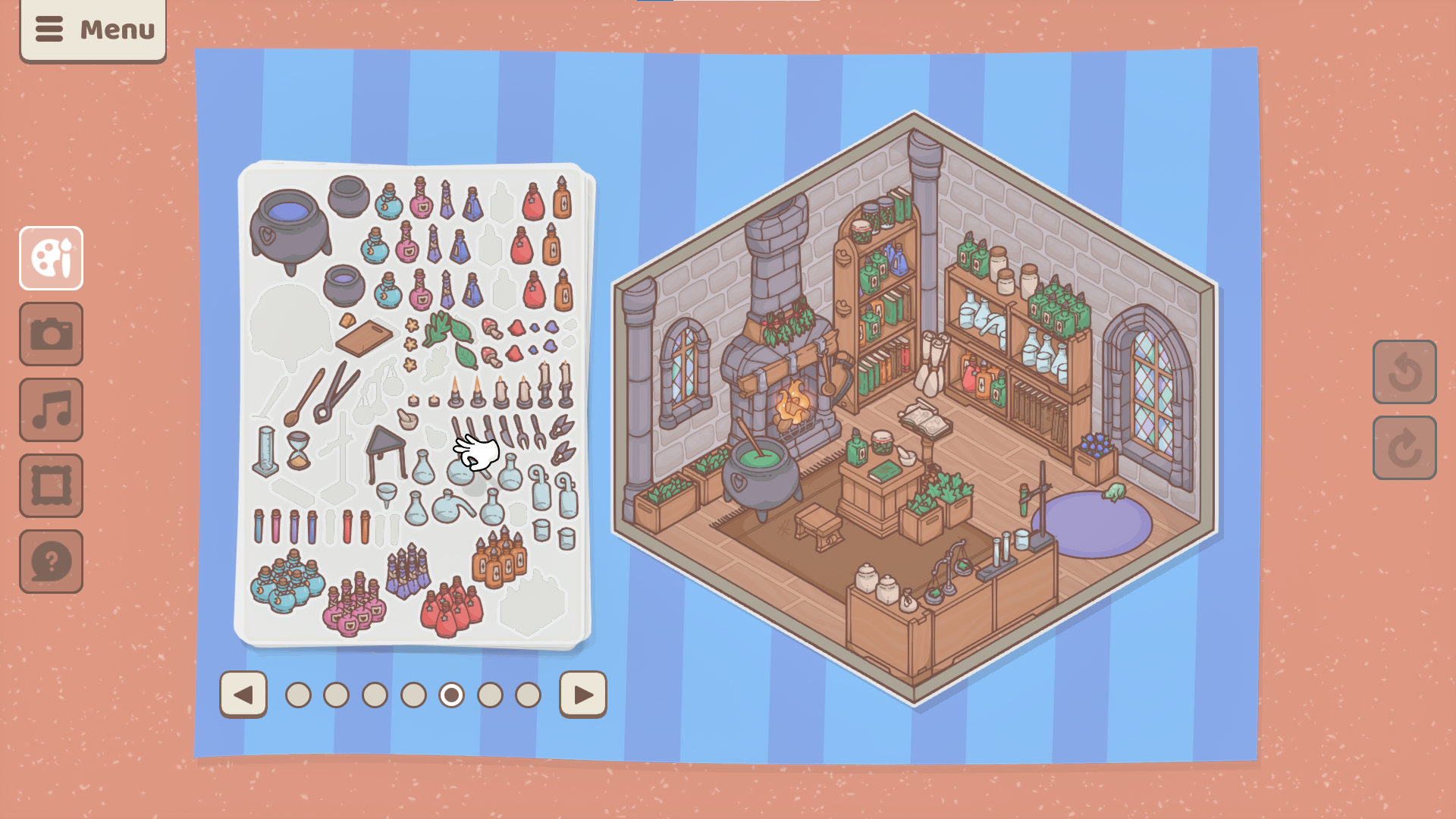
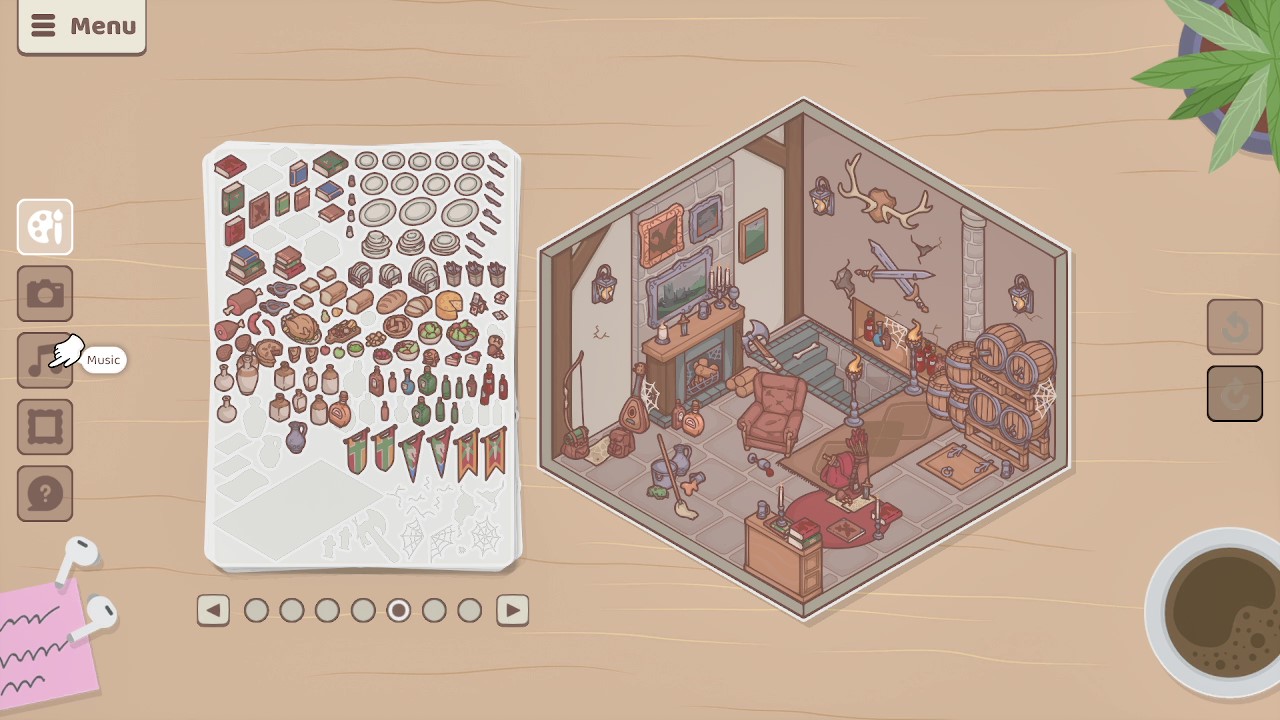
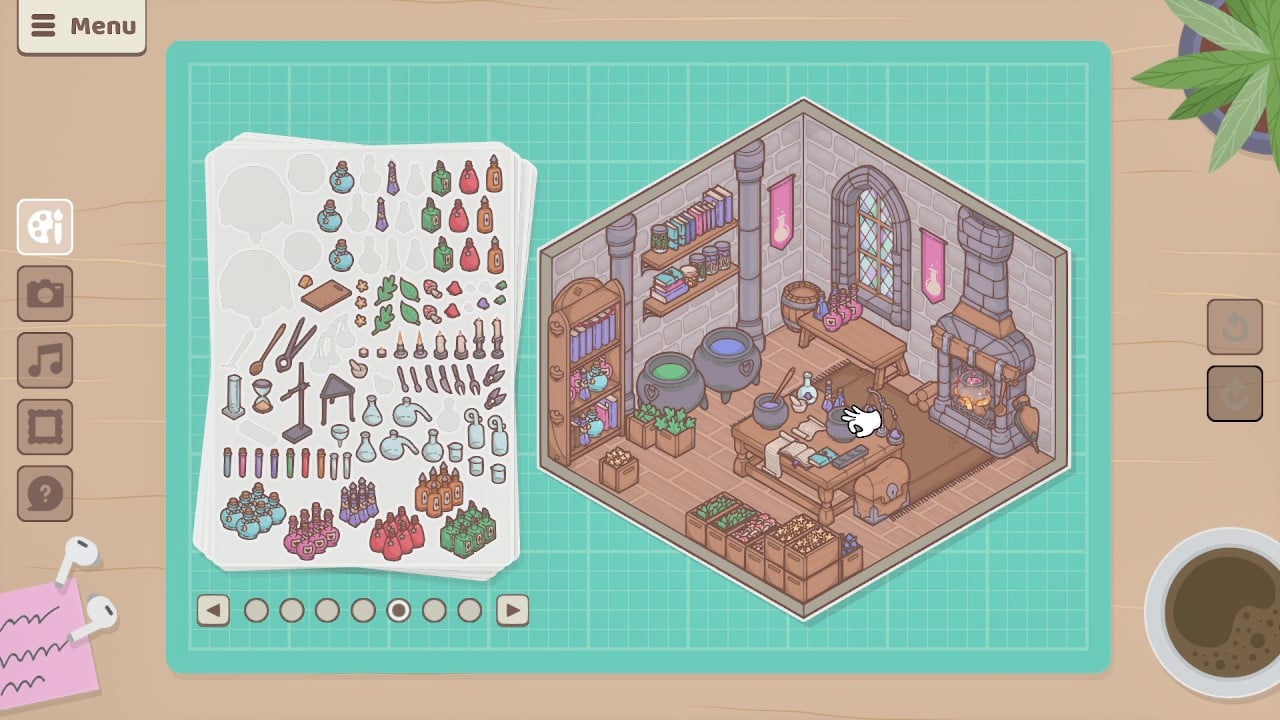
Another element that may be a hit or miss for you with Little Corners is that I found it features a lot of… well… brown. Many, many shades of brown. And gray. I wish it was a little more bright and colorful at times, and I found it surprising that Overgrown Ruins ended up being basically the “brightest” area in my experience. This means some elements can blend together a little, and other stickers and decorations might not stand out as much. So while I referenced Colorforms a lot when talking about Little Corners, this sticker room decoration game isn’t nearly as colorful and vibrant as most of those sets were.
Little Corners is like an opportunity to return to the times of playing with Colorforms and sticker books to decorate a room. There aren’t customization features, in terms of things like resizing or recoloring. There aren’t tons of interactions. But it is very relaxing to go through the eight different areas and arrange things to your liking. And when you do happen upon a special combination of stickers to unlock something, it can feel pretty special. I just wish there was a little bit more to it.
Little Corners is available for PCs via Steam and itch.io.
Little Corners
Little Corners is like an opportunity to return to the times of playing with Colorforms and sticker books to decorate a room.