


 By

We see tech companies release upgrades to devices as time passes. Sometimes they make sense. Other times, it might not make as much sense. The Razer Kraken Kitty V3 falls into the latter, thankfully, but at the same time is the sort of upgrade that might not be necessary if someone already owns a previous V2 iteration or intends to only use the headset around the house due to decisions the company made.
To start, a lot of the Razer Kraken Kitty V3 specs aren’t all that dissimilar from the V2 model. They have the same frequency response (20 Hz – 20 kHz), impedance (32 Ω), and 40mm Razer TriForce drivers. Both offer support for 7.1 surround sound. Each offer noise canceling, to ensure you’re hearing what you need to and can focus. Both have the reactive lighting for the cat ears and earcups that you can set up to correspond to emotes and alerts when connected to a PC, if you set it up. They also both have the unidirectional Hyperclear Cardioid mic attached to them, each with the same 100 Hz – 10 kHz frequency response. They even feel like they’re about the same weight, though to be fair I am comparing mine to Pompompurin ones with extra rubbery ears adding to the weight a bit.
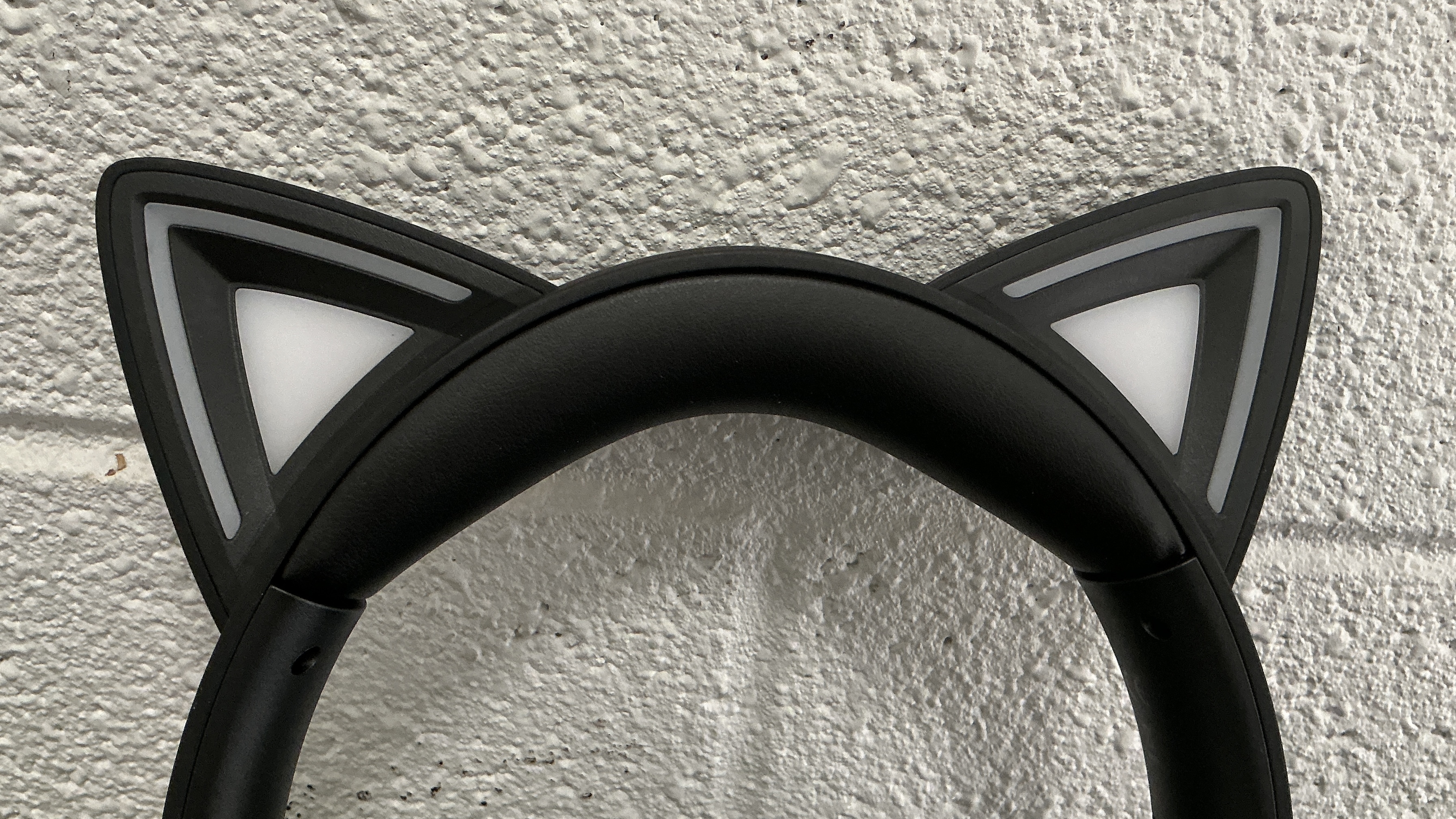
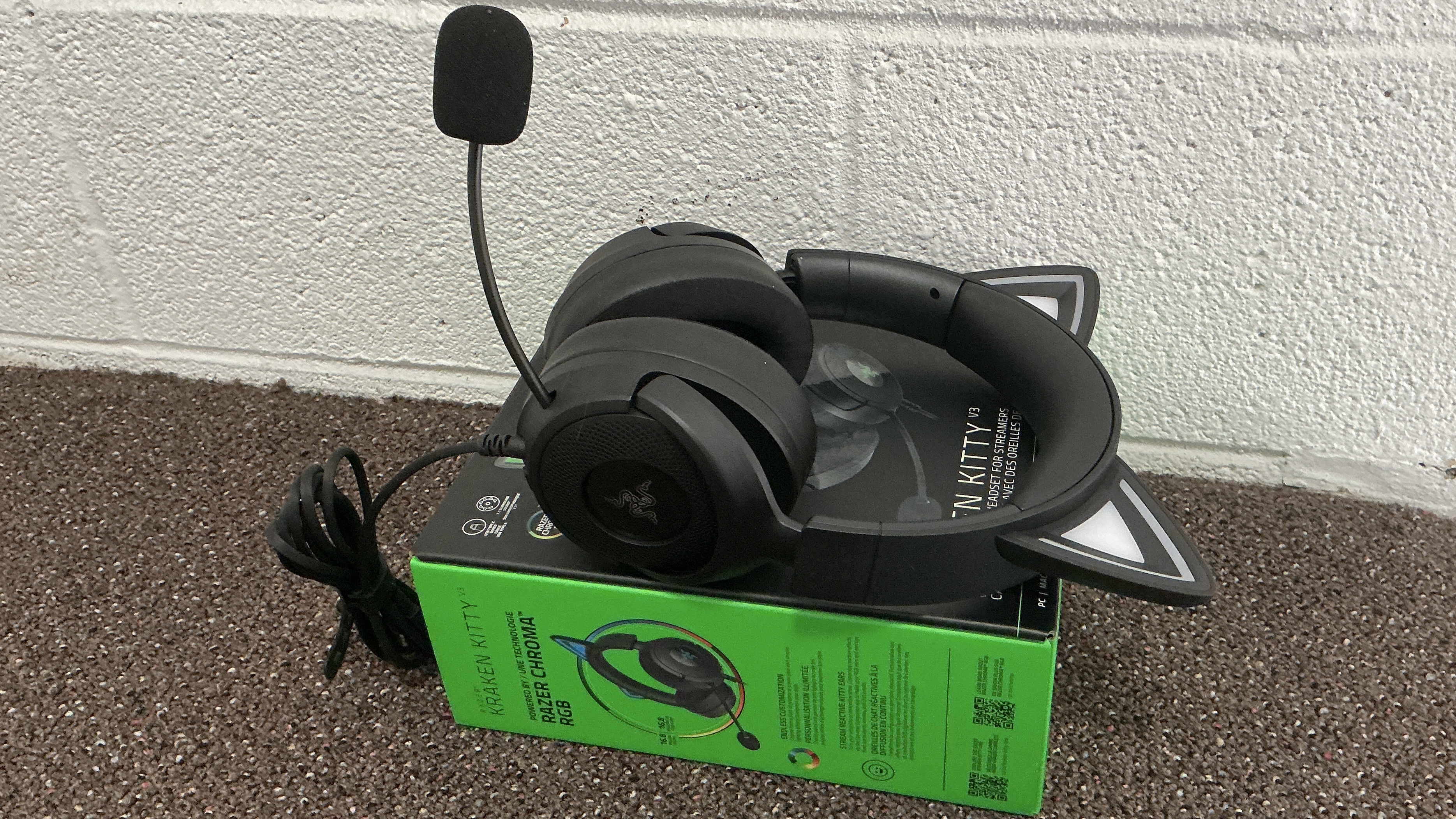
However, there are a few performance changes that you might pick up on if you really pay attention. They’re very minor. I only noticed because I sometimes podcast and often take part in meetings and calls that require a headset. The V2 has -42 dBV / Pa mic sensitivity, while the V3 is at -38 dBV / Pa, 1 kHz. The general sensitivity is also 92.5 dB SPL / mW @ 1kHz for the V2 and 106 dB SPL / mW @ 1kHz for the V3. But these are things you might not super notice.
More noticeable, and appreciated, are the changes that are more obvious with the Razer Kraken Kitty V3 design. The inner earcups are wider and longer, and they fit more comfortably on on my ears. It’s not a huge difference! But I did feel a bit more comfortable.
Also nice is the way controls work now. On the V3 model, there’s a dial for the volume, one button to mute and unmute the mic, and a third one that basically feels there for the new cosplay mode. (More on that in a bit.) The previous model had buttons to make it louder and quieter and the mic button. I prefer the dial, as it’s easier to adjust to exactly the level I need and to feel at a glance when I reach for the controls.
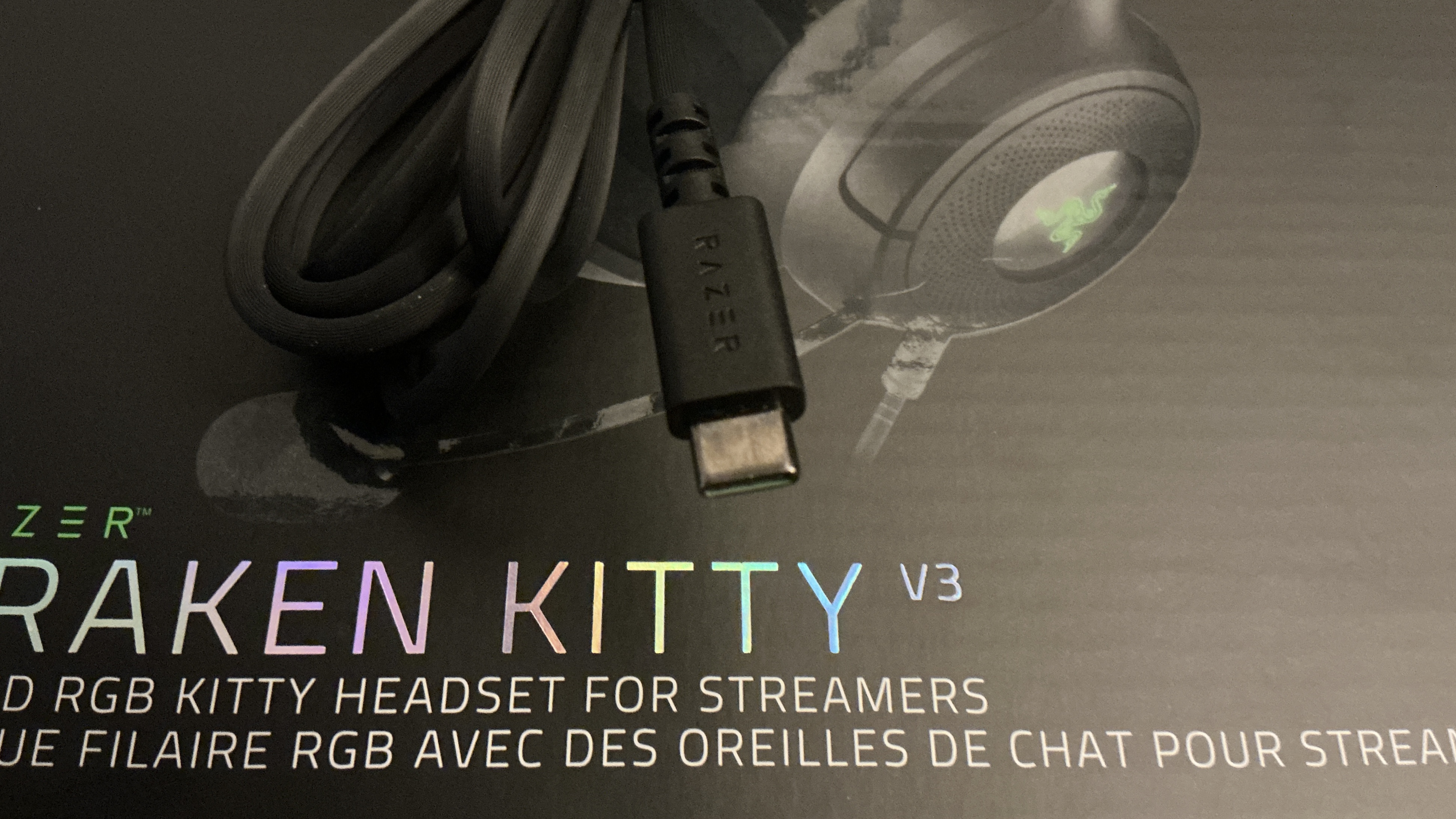
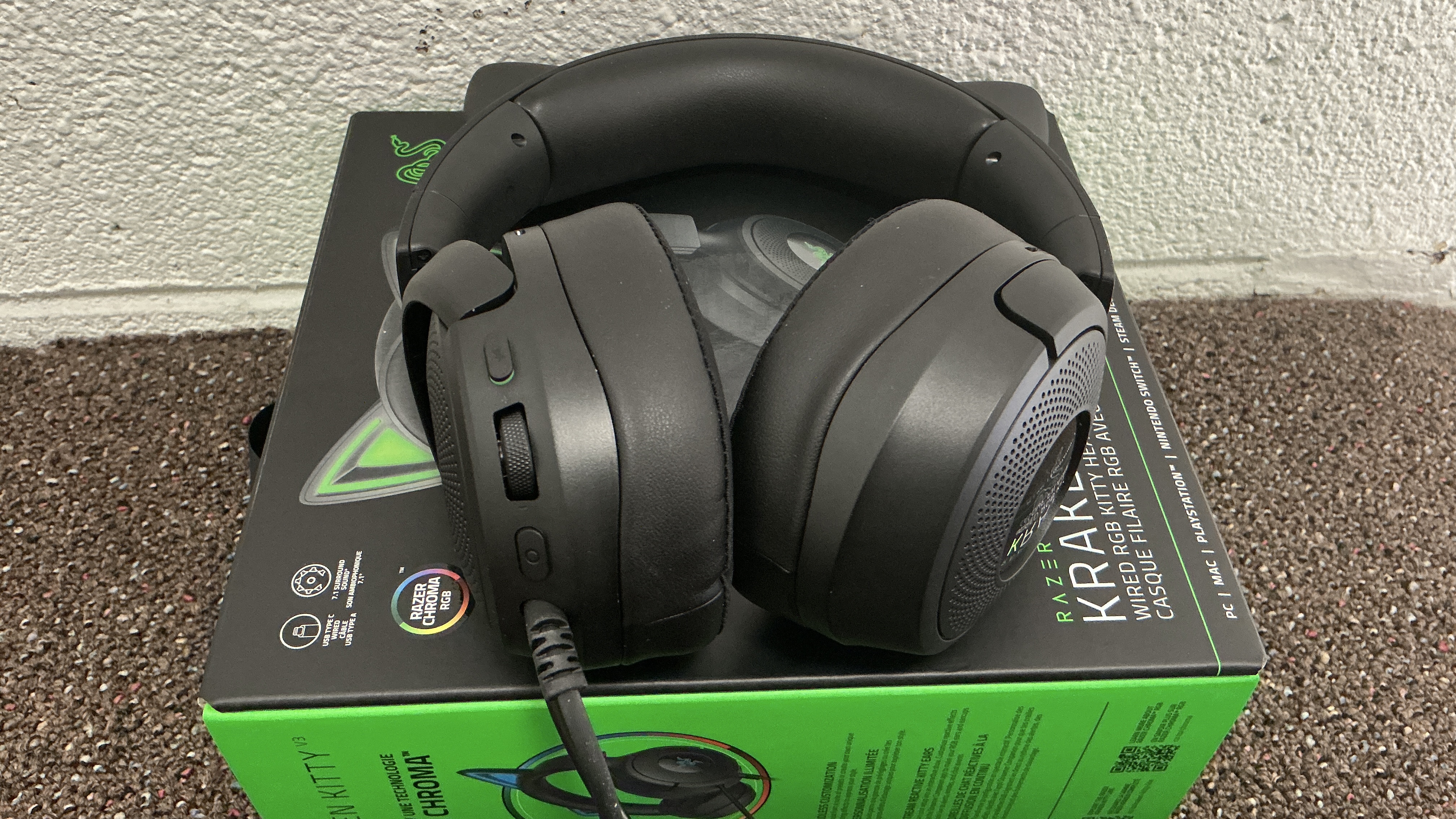
This version of the Kraken Kitty feels updated for modern platforms and requirements. The V2 used a USB-A cable that was about two meters long. It’s a good length, but I had to rely on adapters to use it with my laptop and other devices. The V3 has a USB-C by default. It feels like more of an acceptance of what we all need and use now, which is handy for compatibility purposes. (The cable is still two meters too, which is fine since that’s a good length.)
Okay, so finally, there’s the new Razer Kraken Kitty V3 cosplay mode. This is a cosmetic feature. If you have a USB-C compatible power bank and plug the wired cable for the headset into it. Remember that button I mentioned earlier for Chroma functions? That lets you choose what the light pattern looks like for the ears and earcups if you are using the headset as a fashion accessory. Since the cable is a good length, you could easily hide the power bank in a backpack, purse, or even pocket. You don’t get the same responses and reactions as if you were using the headset while streaming. However, it does light up. Given how many anime characters out there have been seen in cat ear headsets, it could work in a number of situations.
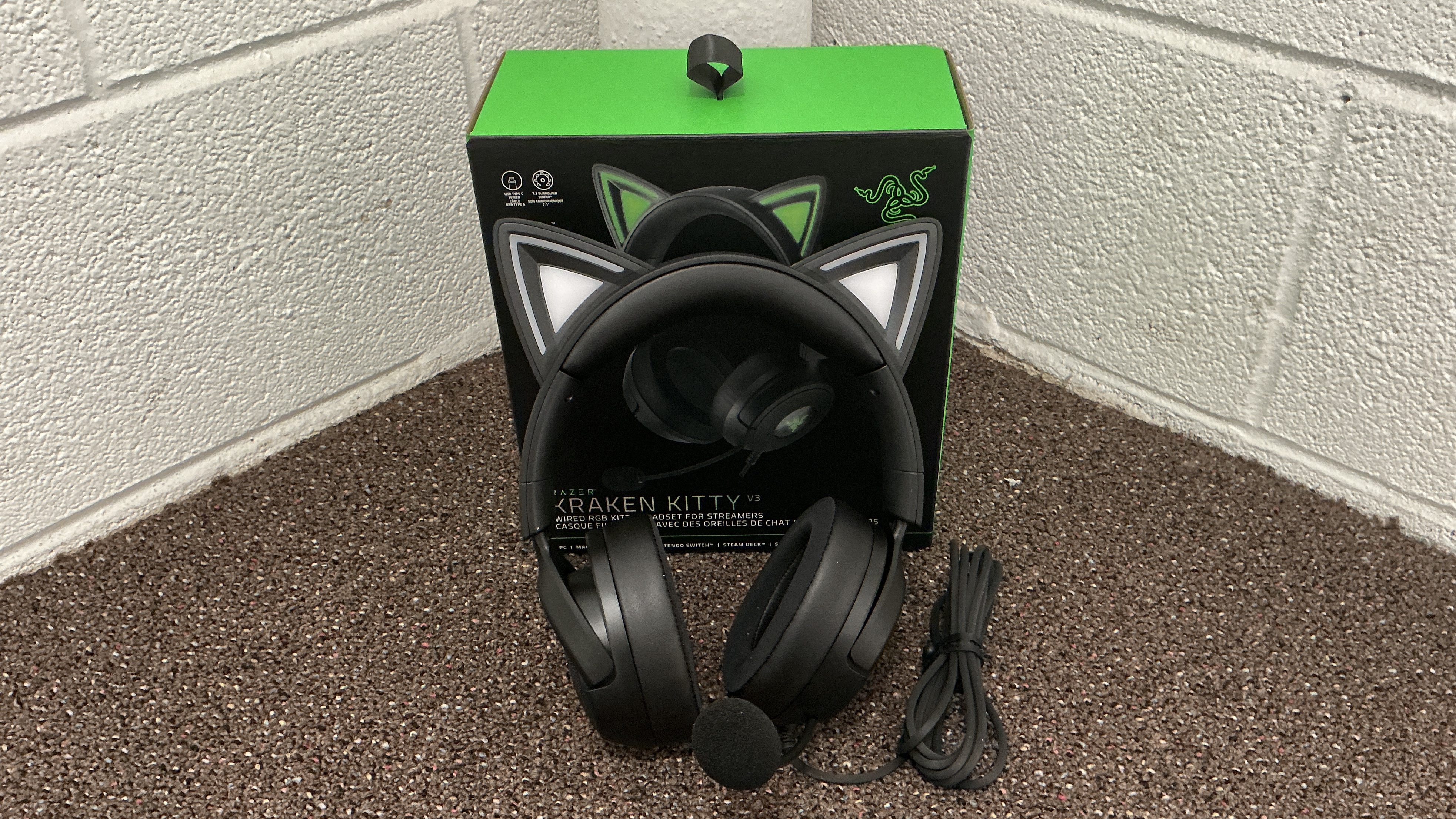
The Razer Kraken Kitty V3 can feel like a more subtle incremental upgrade, but there are a few helpful adjustments. The USB-C support off the bat is great, and I preferred the volume dial to buttons for sound control. The quality from the V2 is still here and sometimes feels slightly better. The cosplay mode support is the biggest addition, and people who do consider these fashion or cosplay accessories in addition to practical peripherals might like that. It’s a situation where the V3 will be preferred if you don’t already own a Kraken Kitty, but those with a V2 they love could be fine waiting.
The Razer Kraken Kitty V3 and V3 Pro are available now.
We may earn a commission if you purchase from certain links. Learn more here.