


 By
By 
Nihon Falcom shared a new patch for The Legend of Heroes: Trails in the Sky 1st Chapter, and it adds new options like the optional first-person camera mode and hidden UI features. The update is 1.05 and makes adjustments on all platforms. However, as of time of writing, it isn’t available on the Switch 2 in the US and may not have rolled out for the game worldwide. [Thanks, Gematsu!]
Some of the additions are universal ones, and these are found in the options section or by pressing certain button combinations to enable them during play. In options, you can set the message speed. You can switch to the first-person camera perspective at any time in Trails in the Sky 1st Chapter by pressing certain shoulder button combinations at the same time. On the Switch and Switch 2, that’s R and ZL. On the PS5, it is R1 and L2. In the PC version, this can be accomplished either by pressing RB and LT or Insert on your keyboard. To turn the UI off or on, someone would need to press R and ZR on either Switch, R1 and R2 on the PS5, and either RB and RT or X on a PC controller or keyboard.
There are also screenshots of these new features that show the first person perspective in Trails in the Sky 1st Chapter or what it’s like to play with no UI. Falcom shared all four of those on social media.
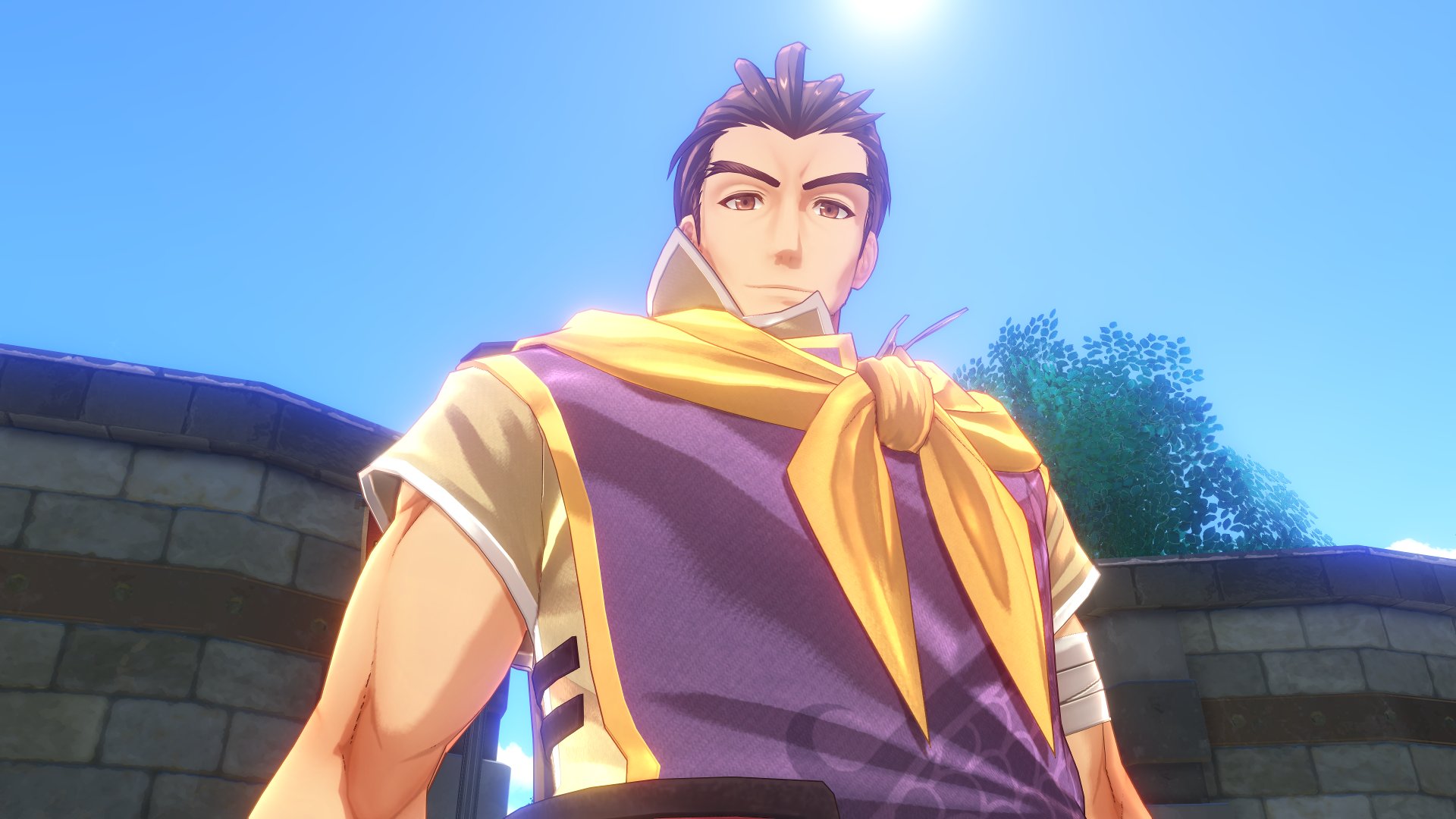
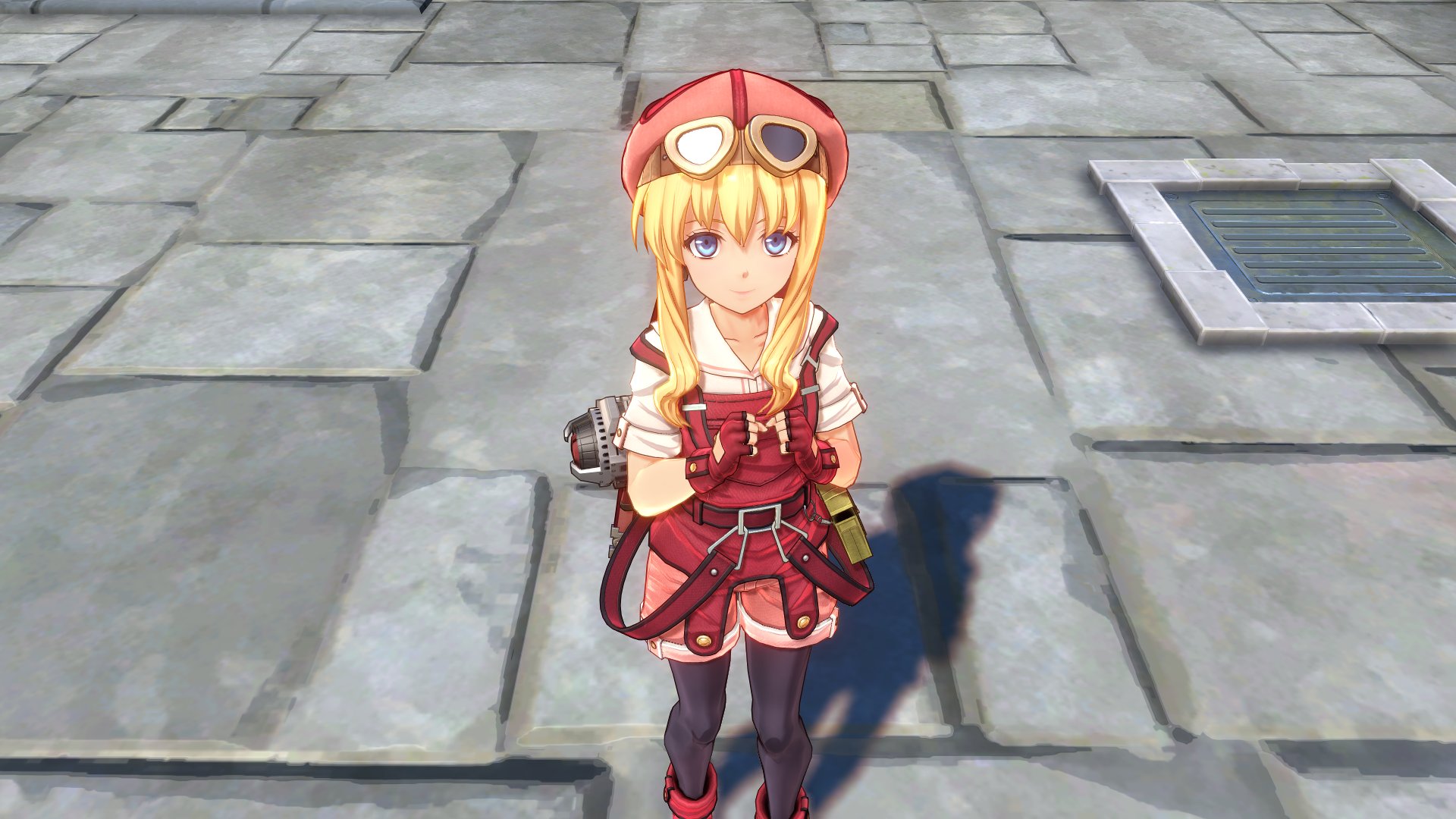
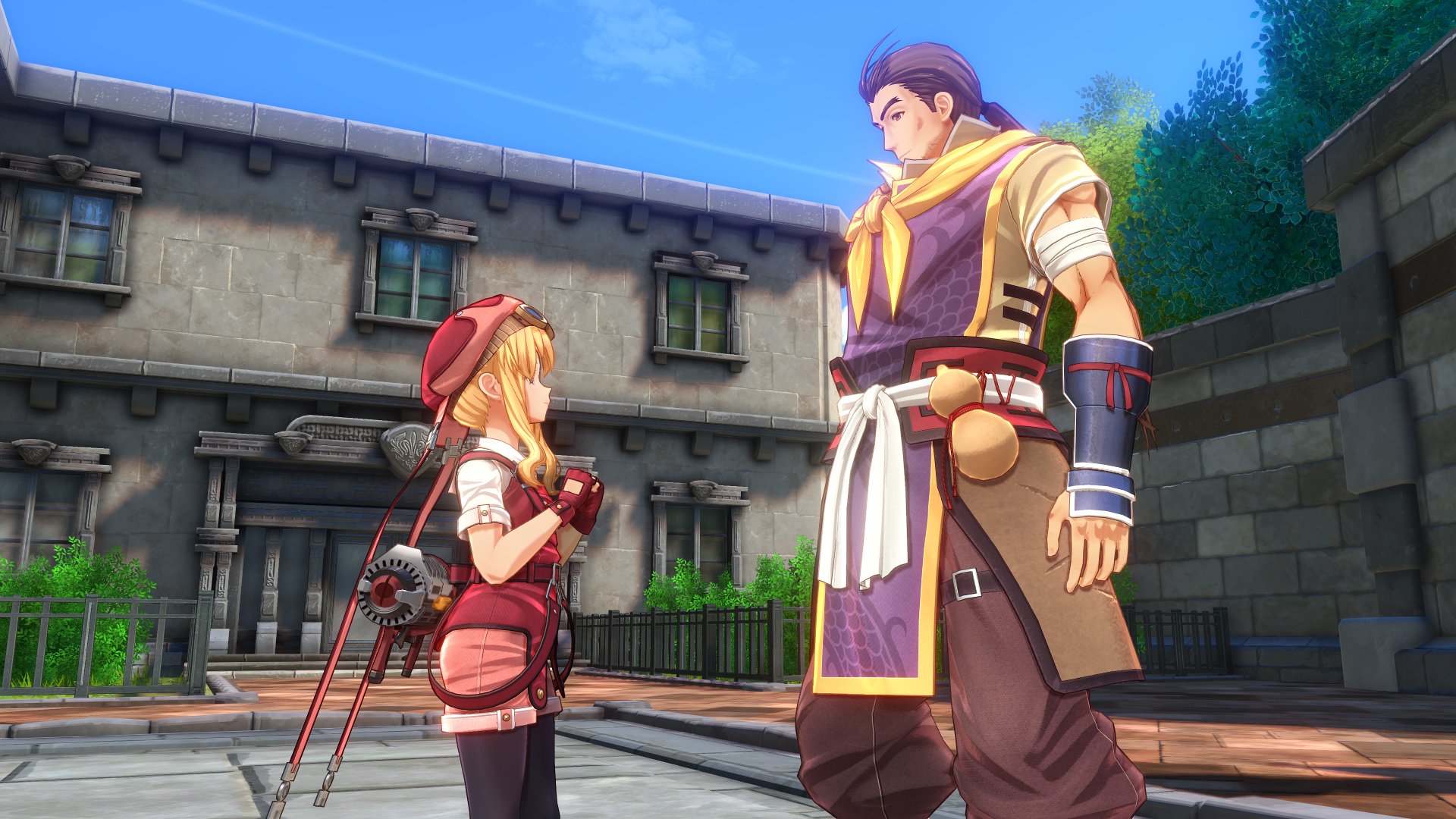
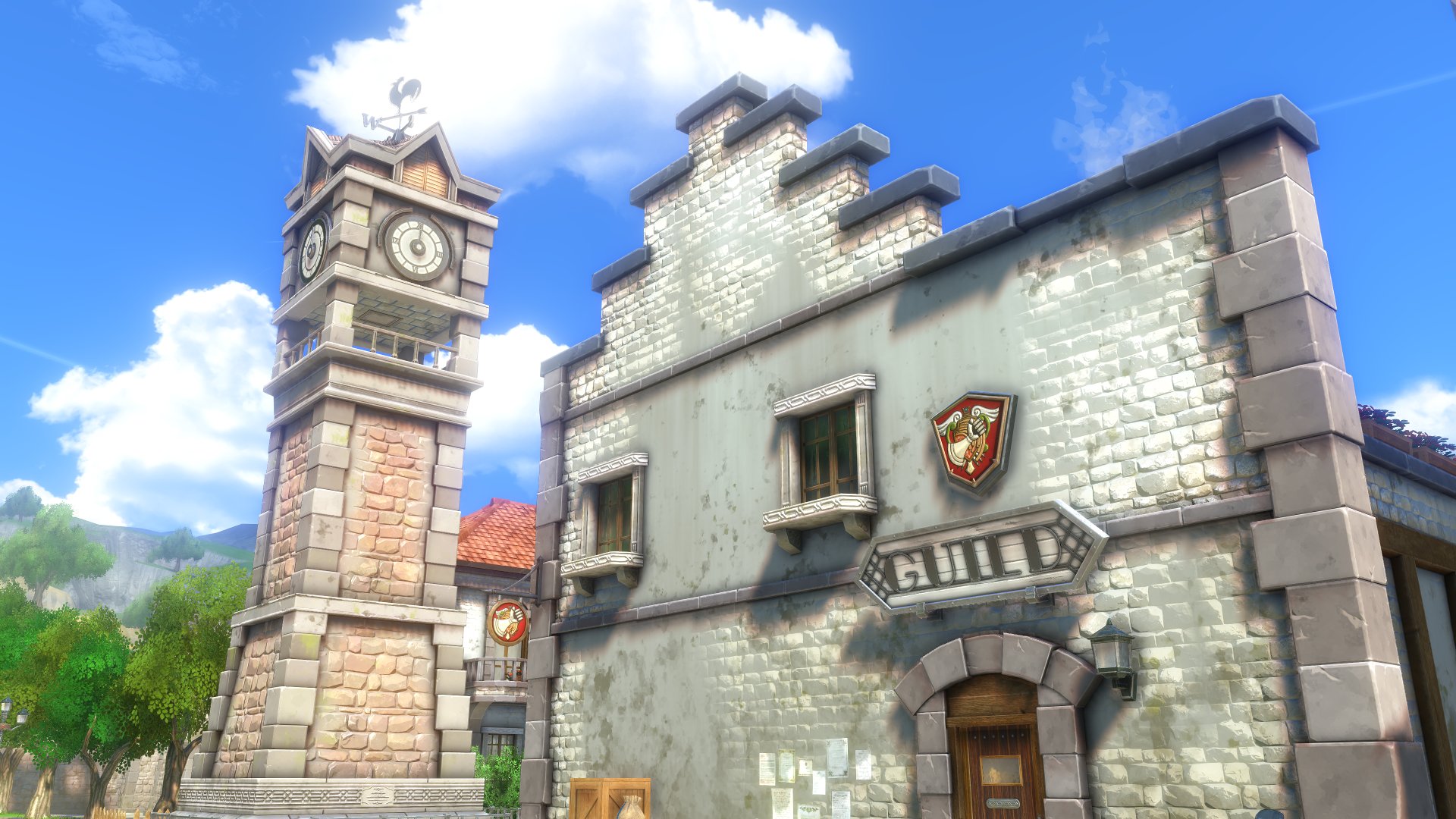
The Switch 2 version of the game will offer one additional update. In options, there will be a new performance setting that lets you determine image quality.
The Legend of Heroes: Trails in the Sky 1st Chapter is available on the Switch, Switch 2, PS5, and PC, and patch 1.05 should be rolling out soon.