


 By

When Usagi Shima originally appeared on mobile devices, it acted as a Neko Atsume sort of game where you’d set items out for bunnies and decorate a space, leave the app, then come back to see which rabbits showed up and collect ‘em all. There were some more hands-on elements, such as minigames and feeding the critters to bolster relationships with them and little types of facilities to place. But it still felt pretty hands-off. The new PC version of Usagi Shima: Bunny Island feels a little different due to some adjustments in the way it works and how rabbits show up, leading to a game that feels a little stronger than it did before.
As I mentioned before, the concept behind Usagi Shima is simple. Place items. Wait for bunnies to appear. Take photos for their profile and care for them so they’ll like you. Get currency to buy more items as a result, which means more rabbits. However, a number of elements in this PC version of Usagi Shima make enjoying that element a little easier. It’s no longer an idle sort of game where you go away and come back. You don’t need to close it, then come back later. They’ll show up and move around your island as you play during a session. It’s also possible to choose how time flows, so you aren’t stuck with a real-time connection that penalizes you for doing things like working or studying. Also, minigames are optional, which is handy if you don’t enjoy some of them and makes bunny care a bit faster if that’s not why you’re playing.
The decorating and designing element is also so much easier in Usagi Shima: Bunny Island on a PC than in the original mobile release. This is due to a number of elements. A big one is the new perspective. Constantly playing in landscape mode gives you a greater sense of space when tailoring your item to your wants and needs. The lack of microtransactions also is a big help with picking up certain cosmetics. But what I really appreciate is the mouse controls. I did really enjoy the mobile app. However, so many times I found things didn’t look exactly how I wanted with regards to placement since I played on my phone. That isn’t an issue here.



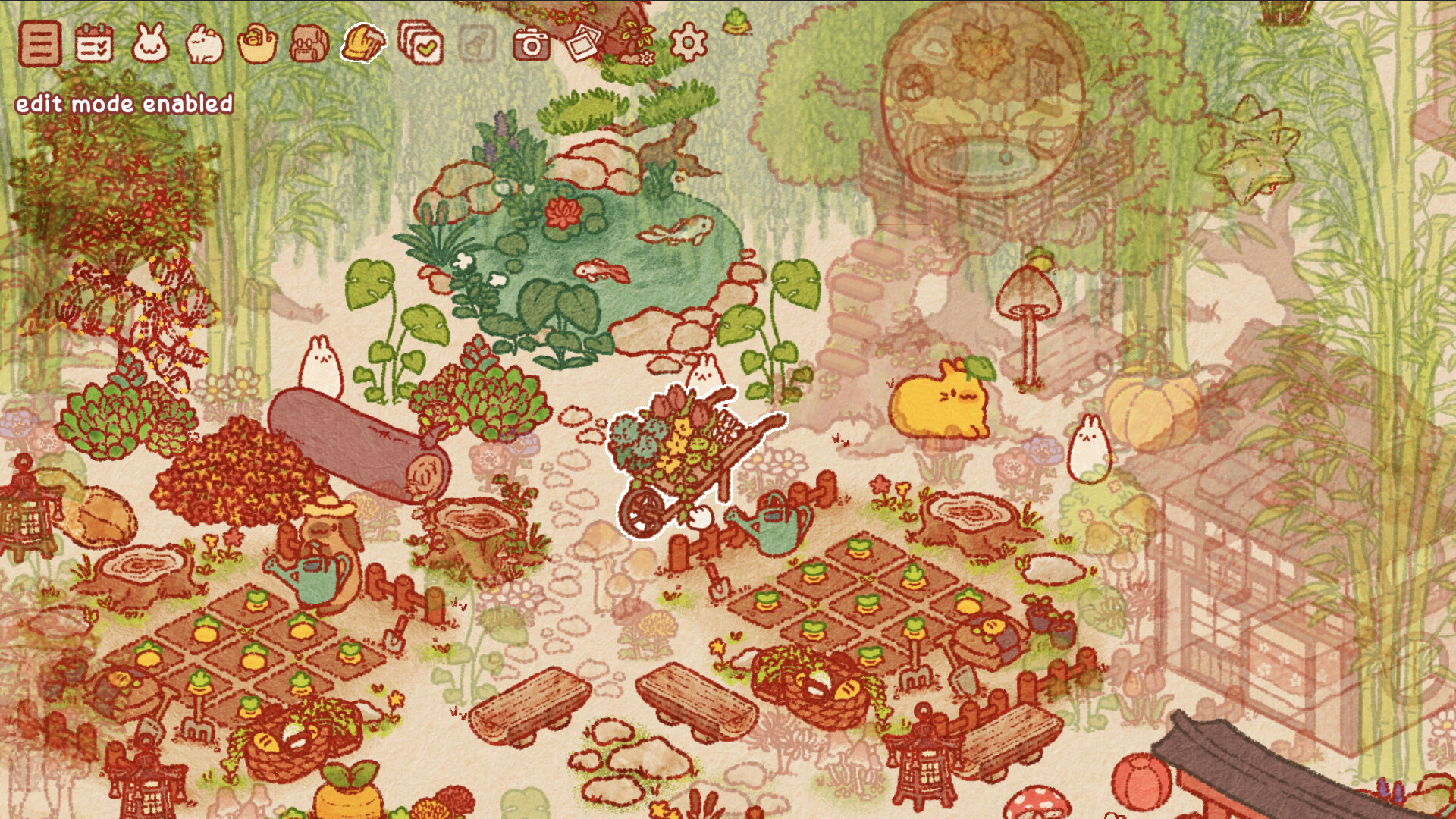
But what I really like is how Usagi Shima on PC offers more customization items for my laptop in general because I played it. It can run as a screensaver. The photos I take can be wallpapers. It feels like even though it isn’t the sort of idle game it once was, it still maintains some of that due to how it can run as a relaxing sort of background that I cultivate and customize when I play.
There are merits to the mobile version of Usagi Shima: Bunny Island, but I think I prefer the PC release now. It’s so much easier to play it. The customization elements also make setting up my island less troublesome. Also, when I’m taking these screenshots, I have a better use for them than a bunch of photos on my phone that I end up forgetting are even there.
Usagi Shima: Bunny Island is available on the PC via Steam and mobile devices.